




A workstation can look spotless at 9 am and still be carrying yesterday’s coffee drips, fingerprints, food residue and germs by morning tea. That is why knowing how to sanitise office workstations properly matters – not just for presentation, but for staff wellbeing, client confidence and the daily standard your workplace sets.
In a busy office, desks are high-touch zones. Keyboards, mice, desk phones, chair arms and shared screens are handled repeatedly, often without anyone noticing how quickly contamination builds up. A quick wipe at the end of the day helps, but effective sanitising takes the right method, the right products and a routine that suits how your team actually works.
Why office workstation sanitising needs a clear process
A polished office sends the right message, but sanitising is about more than appearances. Workstations collect oils from hands, crumbs, dust, sneeze droplets and bacteria from shared use. In open-plan offices, hot-desking areas and reception spaces, those touchpoints can become a weak spot in your hygiene plan if they are cleaned inconsistently.
There is also a practical business reason to stay on top of it. When staff are working in close proximity, poor hygiene can affect comfort, confidence and absenteeism. Clients notice as well. Smudged glass, dusty monitors and sticky desk surfaces suggest corners are being cut elsewhere.
That does not mean every desk needs a hospital-grade response every hour. The right frequency depends on headcount, shared equipment, visitor traffic and whether staff eat at their desks. A small private office may only need light daily attention and a more thorough scheduled clean, while a customer-facing workplace often needs more frequent sanitising throughout the day.
How to sanitise office workstations without damaging equipment
One of the most common mistakes is treating every surface the same way. Desks, electronics, fabric chairs and acrylic screens all respond differently to moisture and chemicals. If the product is too harsh, you can end up damaging finishes, fading labels or leaving residue that attracts more grime.
Start by removing loose clutter. Papers, mugs, cords and stationery make proper sanitising harder and can leave untouched areas behind. Once the surface is clear, begin with dry cleaning where needed. Dust and crumbs should be removed before applying any sanitising product, otherwise you are spreading soil around rather than lifting it away.
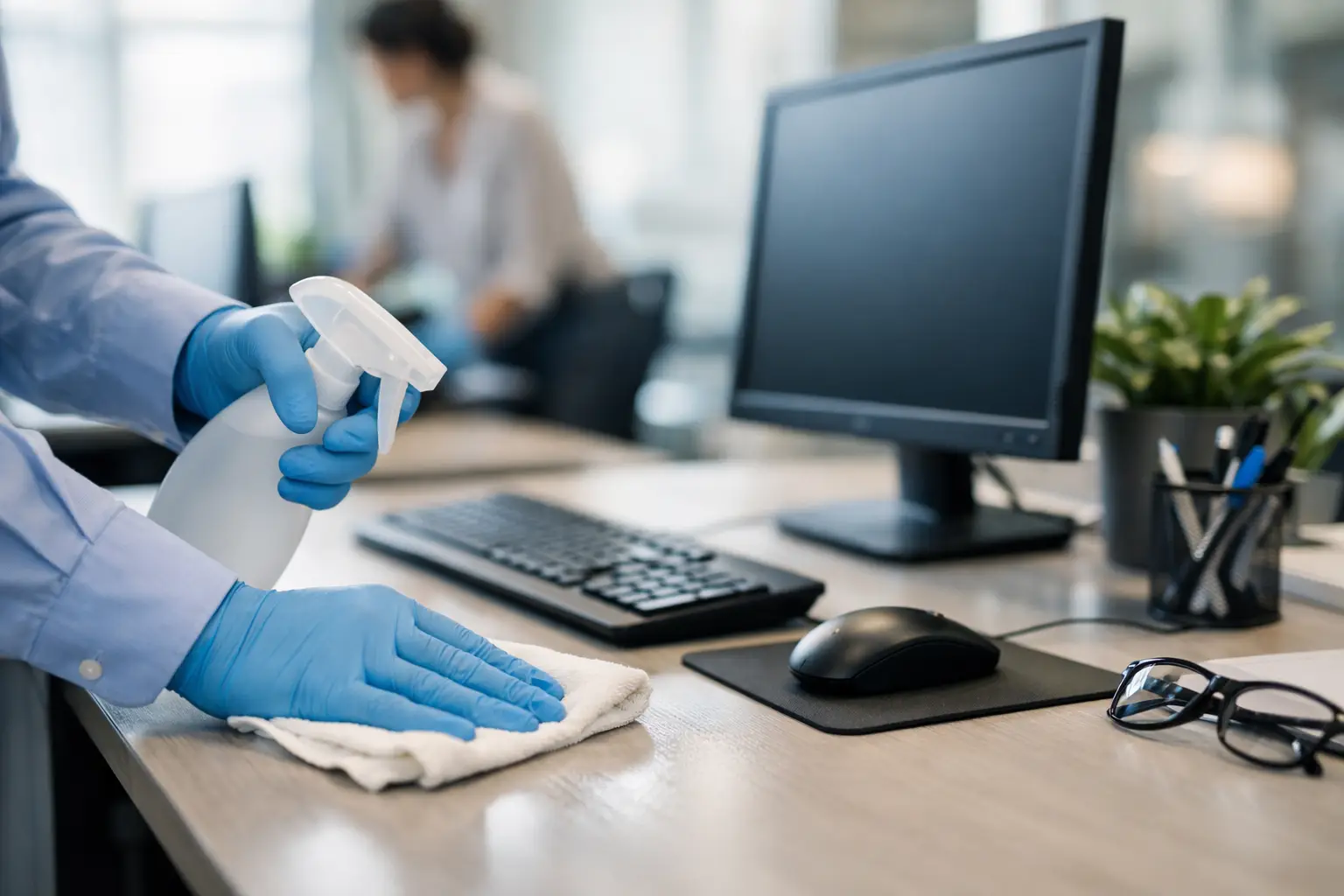
For hard desk surfaces, use a clean microfibre cloth with an appropriate sanitising solution. The cloth should be damp, not dripping. Excess liquid can seep into joins, power boards or electronics. Wipe methodically rather than in random circles so you cover the full area, including front edges and corners where hands often rest.
Keyboards and mice need extra care. These are among the most touched items in any office, but they are also easy to damage. Power down devices first if possible. Use a lightly dampened cloth rather than spraying directly onto the equipment. For crevices, a soft brush or compressed air can help remove dust before sanitising the external surfaces.
Phones, headsets and touchscreen devices should be cleaned using manufacturer-safe products. Alcohol-based wipes are often suitable for hard non-porous surfaces, but it depends on the item. Overusing strong chemicals can wear coatings on screens and buttons over time, so it is worth balancing disinfection needs with equipment longevity.
The workstation areas people forget
When businesses think about desk hygiene, they usually focus on the obvious top surface. In practice, some of the dirtiest contact points are the ones people rarely add to the routine.
Chair armrests are a big one, especially in meeting rooms and shared desks. Drawer handles, monitor buttons, desk partition edges, power switches and mobile charging stations also get frequent contact. If your office has shared stationery caddies, printers or sign-in tablets nearby, they should be included as part of the workstation zone rather than treated as separate items someone else will get to later.
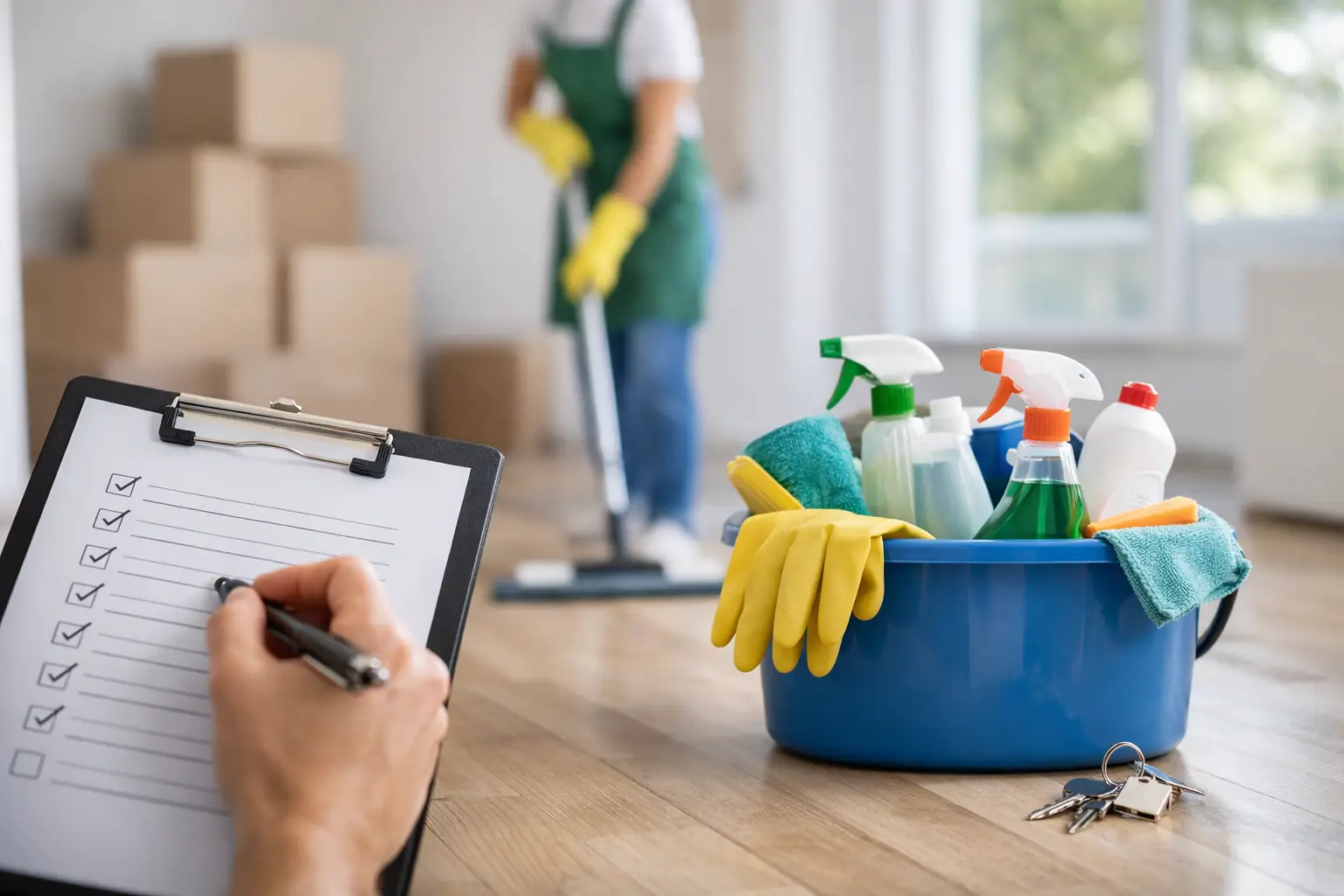
That is where a documented cleaning scope makes a difference. A vague instruction to “wipe desks” leaves too much room for interpretation. A proper process names the touchpoints clearly so standards stay consistent across the office.
Choosing products that are effective and practical
There is no single product that suits every workstation. The best option depends on the material, the level of use and whether the space needs routine sanitising or a more intensive response during illness outbreaks.
For most office settings, a neutral cleaner paired with an appropriate sanitiser for high-touch surfaces is enough. The key is using products according to their directions, especially contact time. If a sanitiser needs to remain wet on the surface for a certain period to work properly, wiping it off immediately reduces its effectiveness.
Fragrance is another consideration. Strong-smelling products can make an office feel freshly cleaned, but they may also irritate staff or clients in enclosed spaces. Eco-friendly, low-residue options are often a better fit for workplaces that want hygiene without overpowering odours. That approach also aligns well with offices looking to maintain high standards while reducing unnecessary chemical load.
Microfibre cloth management matters too. Using the same cloth across multiple desks can spread contamination if it is not changed regularly. Colour-coded systems and fresh cloth rotation are standard in professional cleaning for a reason – they improve both hygiene and accountability.
How often should you sanitise office workstations?
This is where many offices either overdo it or not do enough. A sensible routine should reflect the way the office operates.
In a standard office, high-touch workstation surfaces should usually be sanitised daily, with extra attention for shared desks, meeting rooms and reception points. If your team hot-desks, cleaning between users is the better benchmark. During cold and flu season, after a staff illness, or in high-traffic environments, frequency may need to increase.
Weekly deeper cleaning is also important because daily desk wipes rarely address build-up on screens, cable areas, chair frames and surrounding fixtures. If you only focus on the obvious surfaces, the workstation may appear tidy while still holding dust and grime in the areas that affect air quality and overall presentation.
The trade-off is time. Expecting staff to thoroughly sanitise their own workstations every day can work in very small offices, but consistency often drops when workloads rise. A professional cleaning schedule is usually more reliable because it turns hygiene into a set standard rather than an optional end-of-day task.
Creating a routine staff will actually follow
Even the best cleaning plan fails if nobody sticks to it. Office hygiene works best when responsibilities are clear. Staff can be encouraged to keep desks reasonably tidy and wipe down personal items, while trained cleaners handle scheduled sanitising with the right products and procedures.
Simple measures help. Keep disinfectant wipes where people can access them easily. Ask staff to avoid eating over keyboards if possible. Encourage hand hygiene in shared zones. Make sure bins are emptied regularly so rubbish does not build up around work areas.
It also helps to avoid mixed messages. If the office promotes hygiene but workstations are cluttered, supplies are missing and shared desks are not reset between users, people stop taking the standard seriously. Cleanliness is easiest to maintain when the environment supports it.
When professional workstation cleaning is the smarter choice
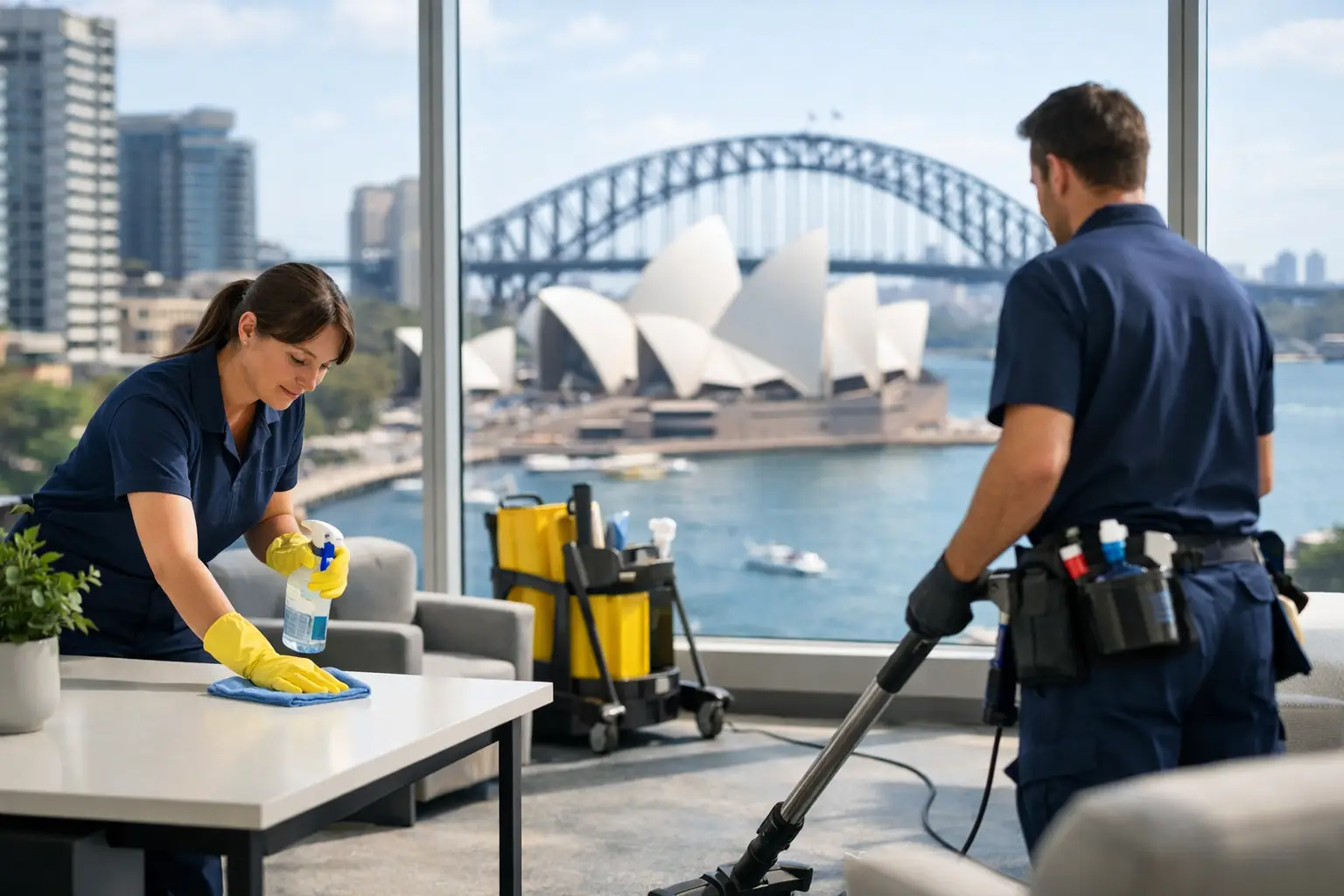
For many Sydney businesses, the question is not whether desks should be sanitised. It is whether in-house routines are enough to maintain the level of hygiene the workplace needs.
Professional cleaning becomes especially valuable in larger offices, medical and educational environments, multi-tenant buildings, and businesses with steady client traffic. These settings need a system that covers touchpoints consistently, uses suitable products and fits around operations without disruption.
A customised cleaning plan is usually the strongest approach because every office is different. Some need after-hours sanitising so staff arrive to a ready workspace. Others need daytime touchpoint cleaning in reception and shared zones. Goldenshine Facility works with businesses across Sydney on tailored cleaning schedules, helping offices maintain presentation and hygiene standards that feel dependable day after day.
A cleaner workstation supports more than hygiene
There is a practical difference between a desk that has been quickly wiped and a workstation that has been properly sanitised. One looks acceptable from a distance. The other supports healthier habits, protects shared equipment and lifts the way a workplace feels to staff and visitors alike.
If you want better results, treat workstation sanitising as part of your office standard rather than a reactive task. When the process is clear, the products are suitable and the routine fits your space, clean desks stop being a once-in-a-while effort and become part of how your business shows care.